AWS
1. AWS CLI
1.1. Retrieve solution stack names from ListAvailableSolutionStacks API
aws elasticbeanstalk list-available-solution-stacksTip
{
    "SolutionStacks": [
        "64bit Amazon Linux 2018.03 v4.17.10 running Node.js",
        "64bit Amazon Linux 2018.03 v2.9.22 running PHP 7.2",
        "64bit Amazon Linux 2018.03 v2.9.22 running PHP 7.3",
        "64bit Amazon Linux 2018.03 v2.9.11 running PHP 5.4",
        "64bit Amazon Linux 2018.03 v2.9.11 running PHP 5.5",
        "64bit Amazon Linux 2018.03 v2.9.11 running PHP 5.6",
        "64bit Amazon Linux 2018.03 v2.9.11 running PHP 7.0",
        "64bit Amazon Linux 2018.03 v2.9.11 running PHP 7.1",
        "64bit Amazon Linux 2018.03 v2.10.5 running Python 3.6",
        "64bit Amazon Linux 2018.03 v2.9.15 running Python 3.4",
        "64bit Amazon Linux 2018.03 v2.9.15 running Python",
        "64bit Amazon Linux 2018.03 v2.9.15 running Python 2.7",
        "64bit Amazon Linux 2018.03 v2.12.11 running Ruby 2.6 (Puma)",
        "64bit Amazon Linux 2018.03 v2.12.11 running Ruby 2.5 (Puma)",
        "64bit Amazon Linux 2018.03 v2.12.11 running Ruby 2.4 (Puma)",
        "64bit Amazon Linux 2018.03 v2.12.11 running Ruby 2.6 (Passenger Standalone)",
        "64bit Amazon Linux 2018.03 v2.12.11 running Ruby 2.5 (Passenger Standalone)",
        "64bit Amazon Linux 2018.03 v2.12.11 running Ruby 2.4 (Passenger Standalone)",
        "64bit Amazon Linux 2018.03 v2.12.0 running Ruby 2.3 (Passenger Standalone)",
        "64bit Amazon Linux 2018.03 v2.12.0 running Ruby 2.2 (Passenger Standalone)",
        "64bit Amazon Linux 2018.03 v2.12.0 running Ruby 2.1 (Passenger Standalone)",
        "64bit Amazon Linux 2018.03 v2.12.0 running Ruby 2.0 (Passenger Standalone)",
        "64bit Amazon Linux 2018.03 v2.12.0 running Ruby 1.9.3",
        "64bit Amazon Linux 2018.03 v2.12.0 running Ruby 2.3 (Puma)",
        "64bit Amazon Linux 2018.03 v2.12.0 running Ruby 2.2 (Puma)",
        "64bit Amazon Linux 2018.03 v2.12.0 running Ruby 2.1 (Puma)",
        "64bit Amazon Linux 2018.03 v2.12.0 running Ruby 2.0 (Puma)",
        "64bit Amazon Linux 2018.03 v3.4.11 running Tomcat 8.5 Java 8",
        "64bit Amazon Linux 2018.03 v3.4.11 running Tomcat 7 Java 7",
        "64bit Amazon Linux 2018.03 v3.4.0 running Tomcat 8 Java 8",
        "64bit Amazon Linux 2018.03 v3.4.0 running Tomcat 7 Java 6",
        "64bit Windows Server Core 2019 v2.7.1 running IIS 10.0",
        "64bit Windows Server 2019 v2.7.1 running IIS 10.0",
        "64bit Windows Server Core 2016 v2.7.1 running IIS 10.0",
        "64bit Windows Server 2016 v2.7.1 running IIS 10.0",
        "64bit Windows Server Core 2012 R2 v2.7.1 running IIS 8.5",
        "64bit Windows Server 2012 R2 v2.7.1 running IIS 8.5",
        "64bit Windows Server Core 2016 v1.2.0 running IIS 10.0",
        "64bit Windows Server 2016 v1.2.0 running IIS 10.0",
        "64bit Windows Server Core 2012 R2 v1.2.0 running IIS 8.5",
        "64bit Windows Server 2012 R2 v1.2.0 running IIS 8.5",
        "64bit Windows Server 2012 v1.2.0 running IIS 8",
        "64bit Windows Server Core 2012 R2 running IIS 8.5",
        "64bit Windows Server 2012 R2 running IIS 8.5",
        "64bit Windows Server 2012 running IIS 8",
        "64bit Amazon Linux 2018.03 v2.17.0 running Docker 20.10.7-ce",
        "64bit Amazon Linux 2018.03 v2.27.0 running Multi-container Docker 20.10.7-ce (Generic)",
        "64bit Debian jessie v2.16.0 running Go 1.4 (Preconfigured - Docker)",
        "64bit Debian jessie v2.16.0 running Go 1.3 (Preconfigured - Docker)",
        "64bit Debian jessie v2.16.0 running Python 3.4 (Preconfigured - Docker)",
        "64bit Amazon Linux 2 v3.4.7 running Docker",
        "64bit Amazon Linux 2 v4.2.6 running Tomcat 8.5 Corretto 11",
        "64bit Amazon Linux 2 v4.2.6 running Tomcat 8.5 Corretto 8",
        "64bit Amazon Linux 2 v4.2.6 running Tomcat 7 Corretto 11",
        "64bit Amazon Linux 2 v4.2.6 running Tomcat 7 Corretto 8",
        "64bit Amazon Linux 2 v3.3.6 running PHP 8.0",
        "64bit Amazon Linux 2 v3.3.6 running PHP 7.4",
        "64bit Amazon Linux 2 v3.3.6 running PHP 7.3",
        "64bit Amazon Linux 2 v3.3.6 running PHP 7.2",
        "64bit Amazon Linux 2 v5.4.6 running Node.js 14",
        "64bit Amazon Linux 2 v5.4.6 running Node.js 12",
        "64bit Amazon Linux 2 v5.4.6 running Node.js 10",
        "64bit Amazon Linux 2 v3.2.6 running Corretto 11",
        "64bit Amazon Linux 2 v3.3.6 running Python 3.8",
        "64bit Amazon Linux 2 v3.4.1 running Go 1",
        "64bit Amazon Linux 2 v3.3.6 running Python 3.7",
        "64bit Amazon Linux 2 v3.2.6 running Corretto 8",
        "64bit Amazon Linux 2 v3.3.6 running Ruby 2.7",
        "64bit Amazon Linux 2 v3.3.6 running Ruby 2.6",
        "64bit Amazon Linux 2 v3.3.6 running Ruby 2.5",
        "64bit Amazon Linux 2 v2.2.6 running .NET Core",
        "64bit Amazon Linux 2018.03 v2.11.12 running Java 8",
        "64bit Amazon Linux 2018.03 v2.11.12 running Java 7",
        "64bit Amazon Linux 2018.03 v2.18.7 running Go 1.16",
        "64bit Amazon Linux 2018.03 v2.6.33 running Packer 1.0.3",
        "64bit Amazon Linux 2018.03 v2.17.0 running GlassFish 5.0 Java 8 (Preconfigured - Docker)"
    ],
    "SolutionStackDetails": [
      {
        ...
      },
      ...
    ]
}
Ref: Elastic Beanstalk supported platforms
1.2. Update access key
create a new access key
aws iam create-access-keyconfigure new access key
aws configure
aws iam update-access-key --access-key-id {OLD_ACCESS_KEY} --status Inactive --user-name {user_name}
aws iam update-access-key --access-key-id {NEW_ACCESS_KEY} --status Active --user-name {user_name}
cat .aws/config
cat .aws/credentials
aws configure list
try to access s3 with new configuration
aws s3 lsdelete old access key
aws iam delete-access-key --access-key-id {OLD_ACCESS_KEY} --user-name {user_name}Ref:Rotating access keys (AWS CLI)
1.3. Manage key pairs
list of key pairs
aws ec2 describe-key-pairsshow the detail of existed key pair
aws ec2 describe-key-pairs --key-name {KeyPair_NAME}delete unnecessary key pair
aws ec2 delete-key-pair --key-name {KeyPair_NAME}1.4. Get Account ID
echo $(aws sts get-caller-identity) | awk '{print $5}' | sed -e 's/"//g' -e 's/,//g' | pbcopy1.5 Get list of Amazon Linux 2 AMI ImageId
aws ssm get-parameters-by-path --path "/aws/service/ami-amazon-linux-latest" --region us-east-1 --query 'Parameters[:].[Name,Value]' --output table2. AWS CDK
HANDS-ON: GitHub
3. AWS S3 だけで静的コンテンツを配信する
3.1. S3 バケットを作成する
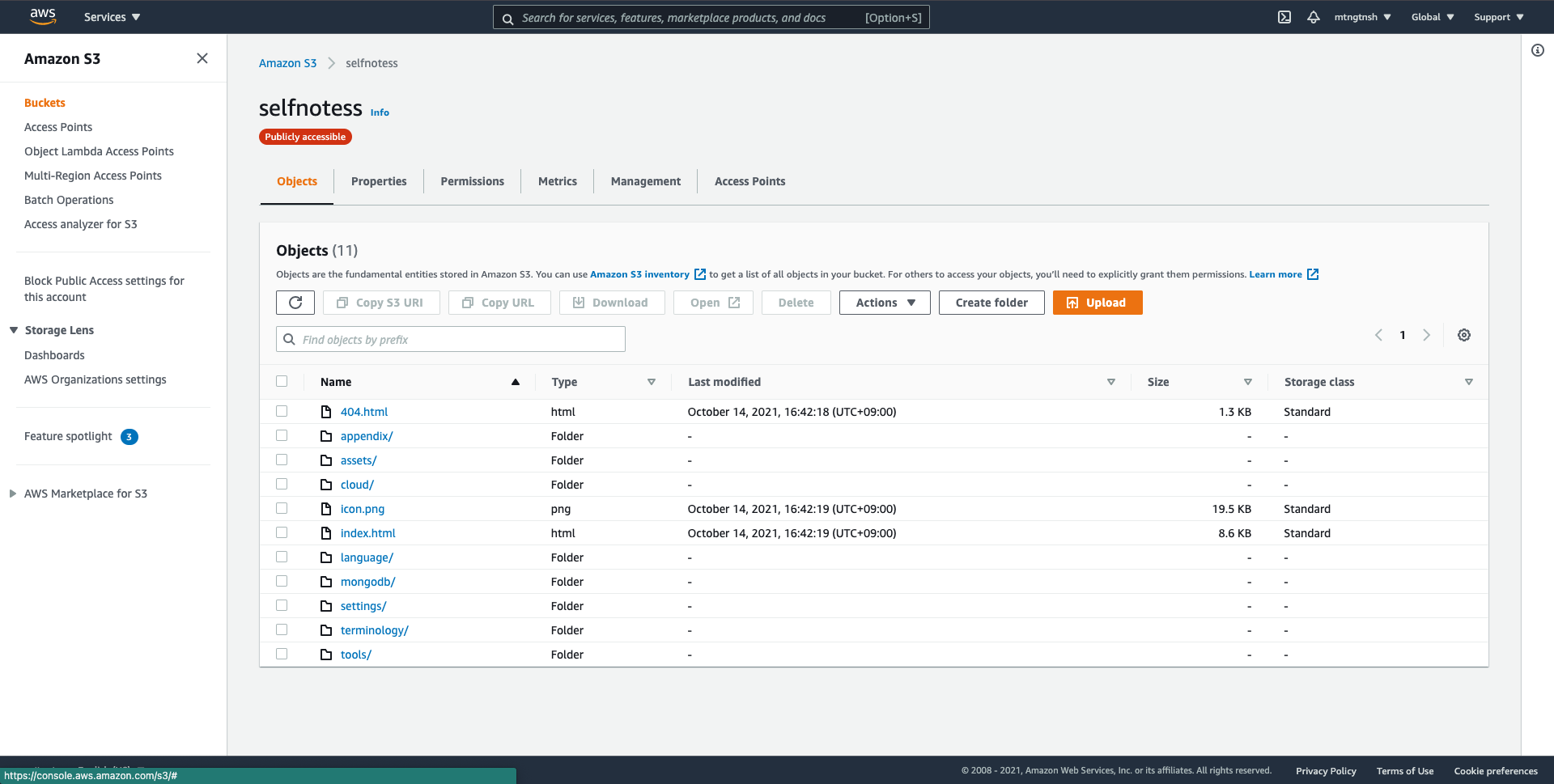
selfnotessというバケットを作成した。
..省略..
3.2. self-notes の dist の内容を S3 バケットに配置する(public 状態に変更)
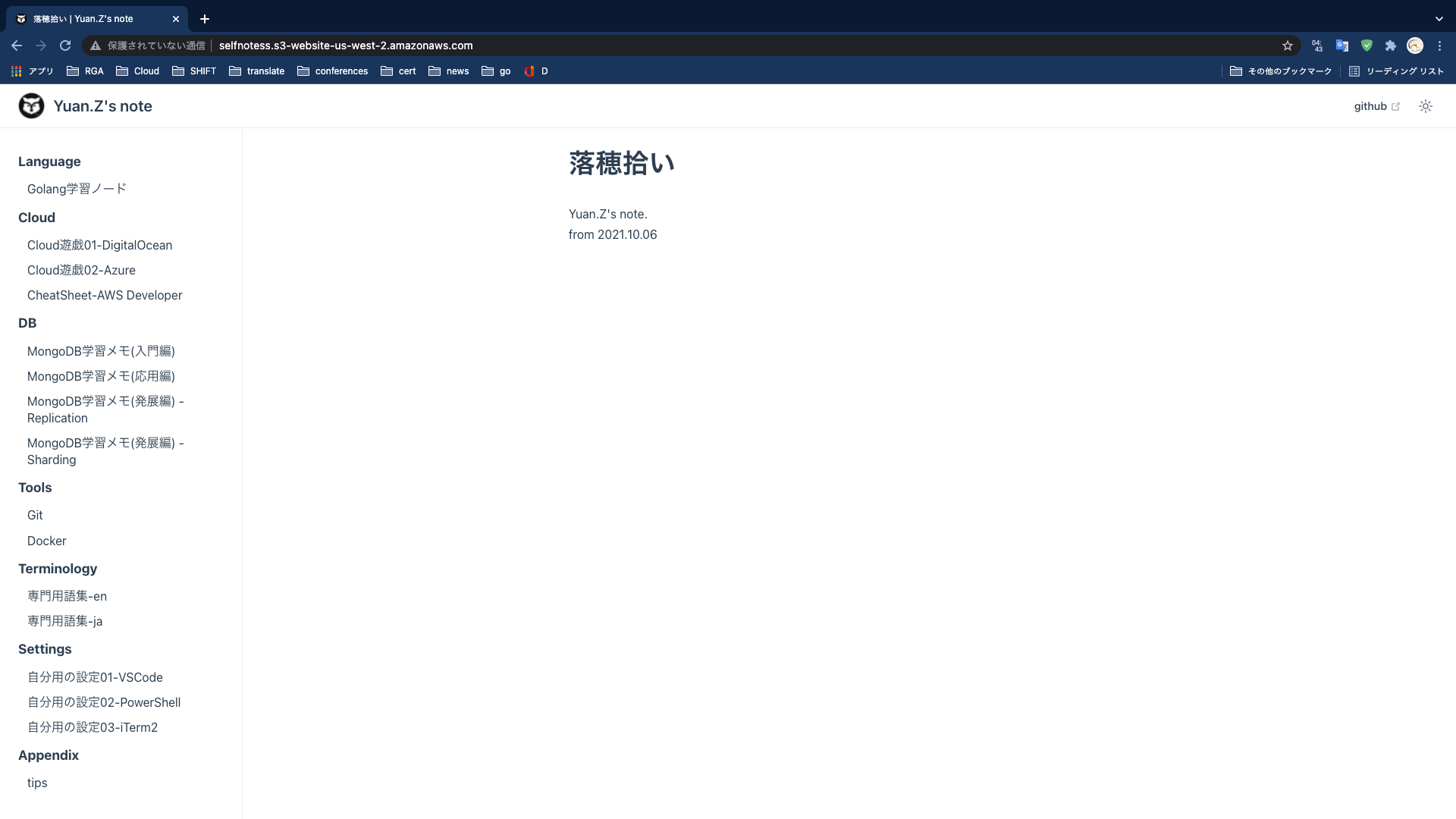
3.3. アクセスする